
Every mile.Under control.
Vehicle mileage logging and business trip records app
Smart mileage tracking for business and private vehicles. GPS in your phone, fleet management, and automatic documentation.


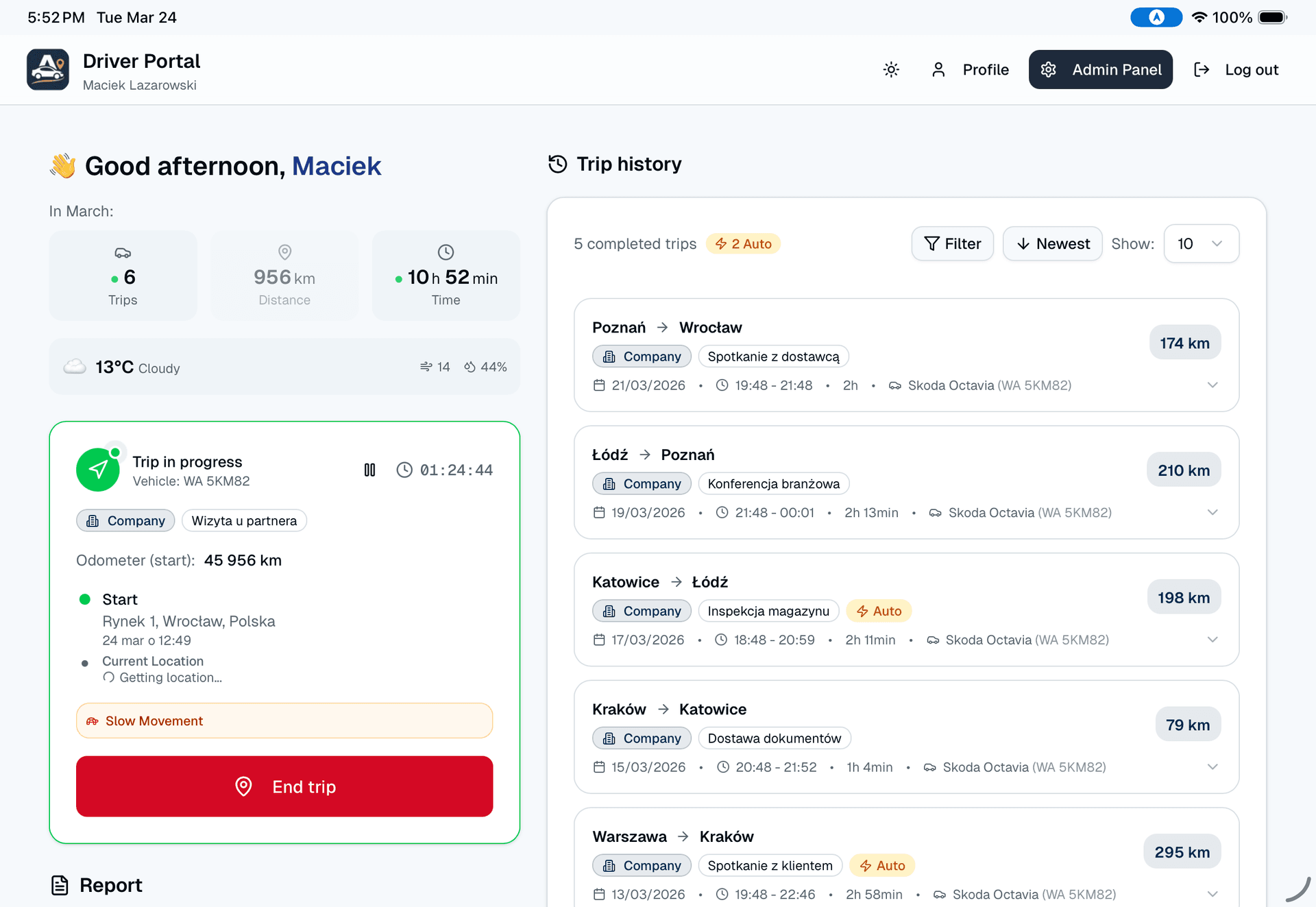
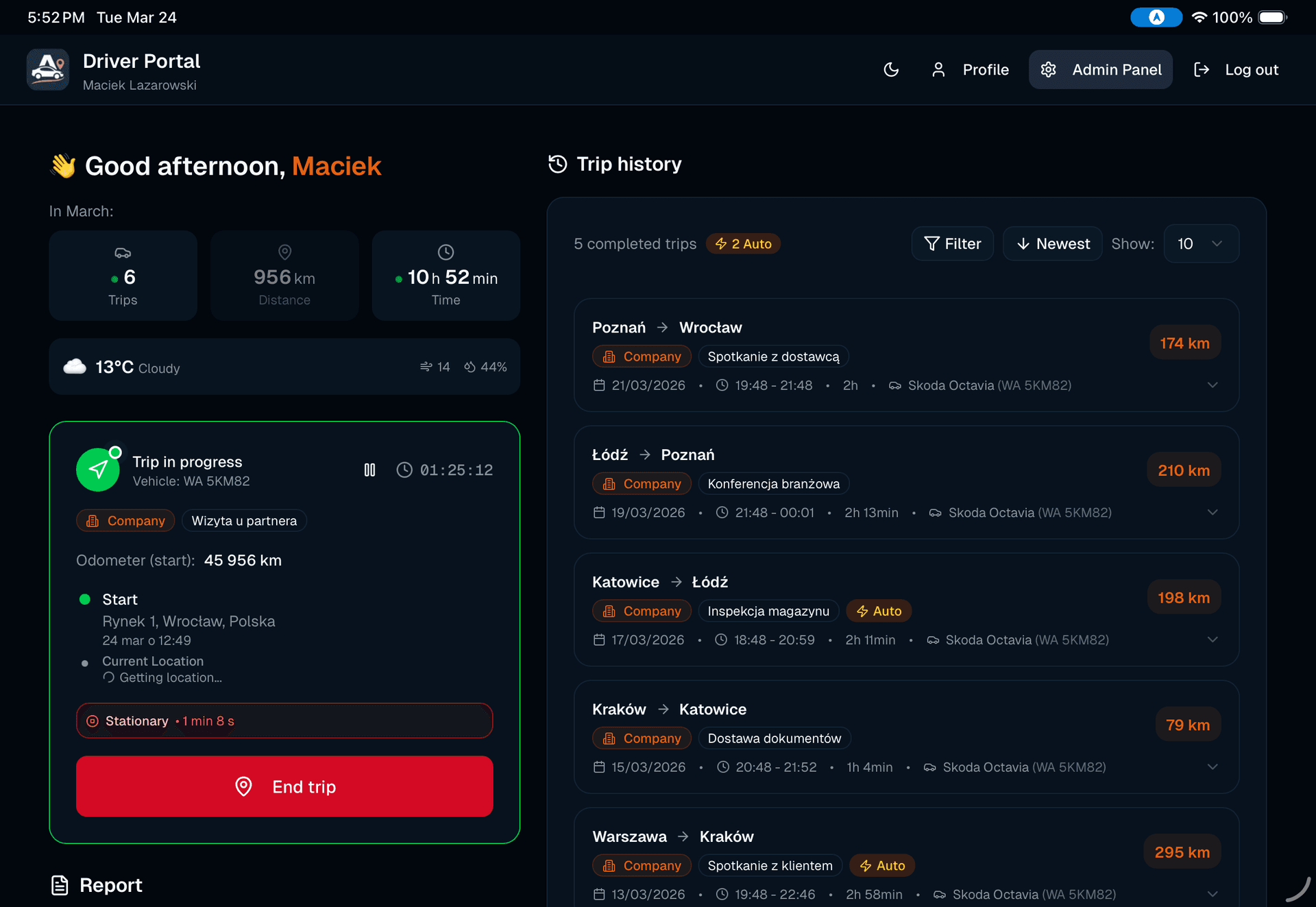
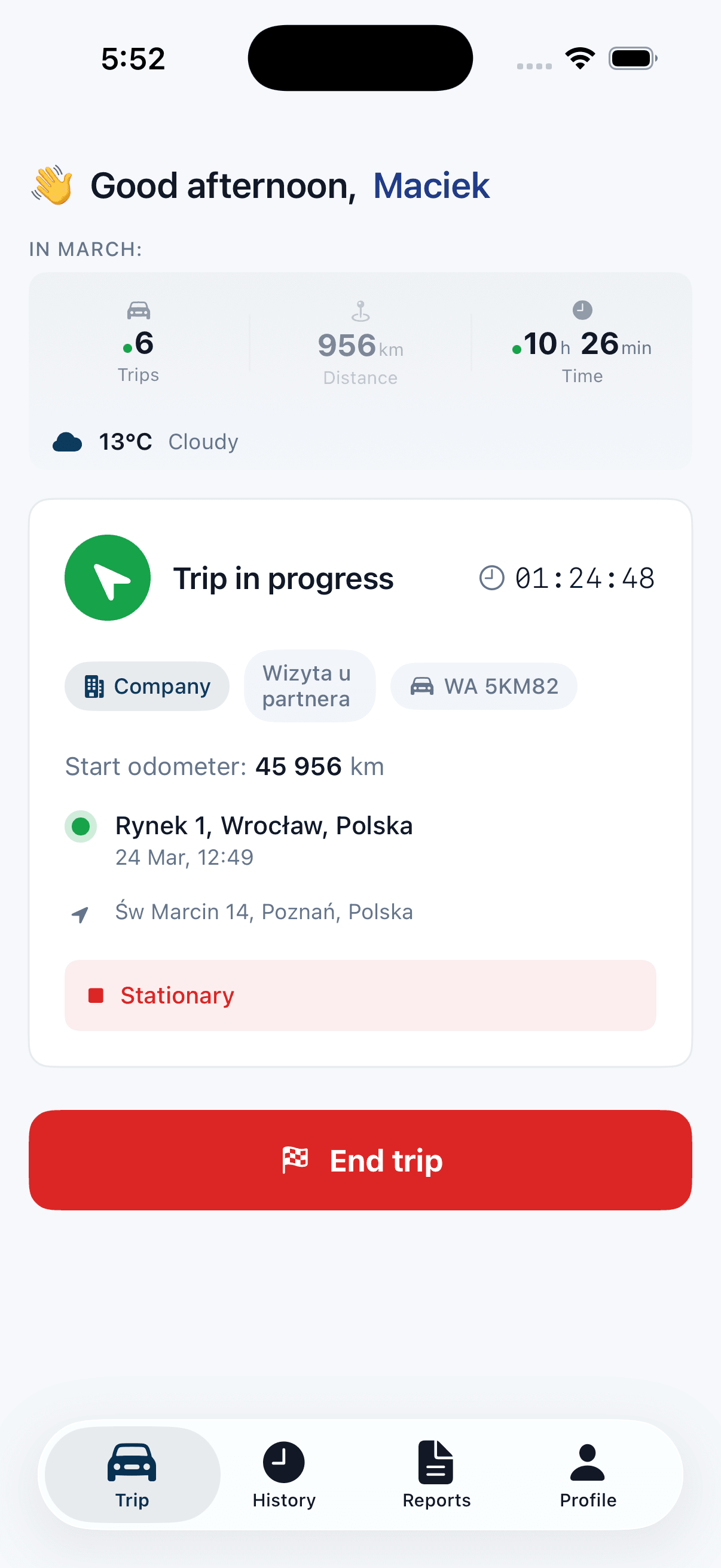
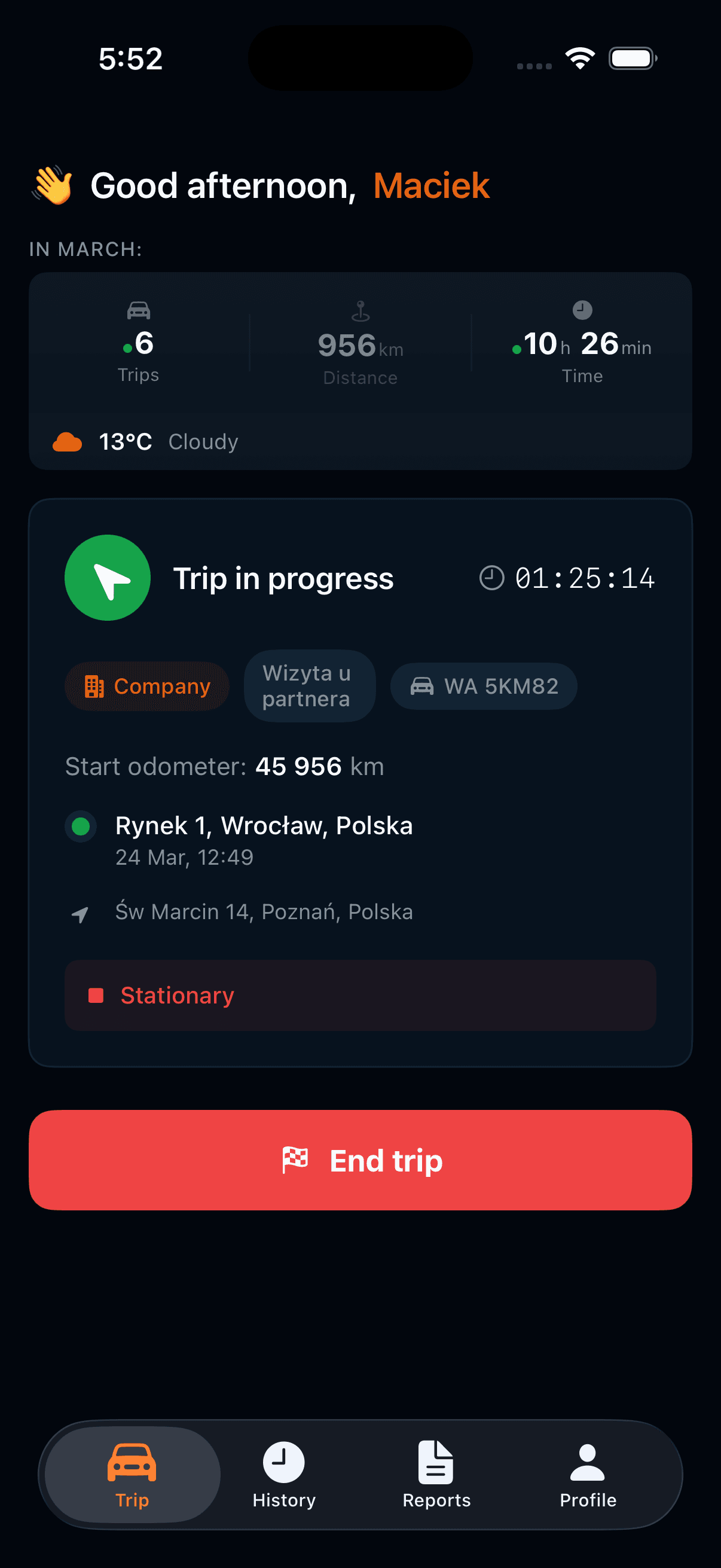
Complete business trip records
Track business and private vehicles in one place. No extra hardware - your phone is enough.
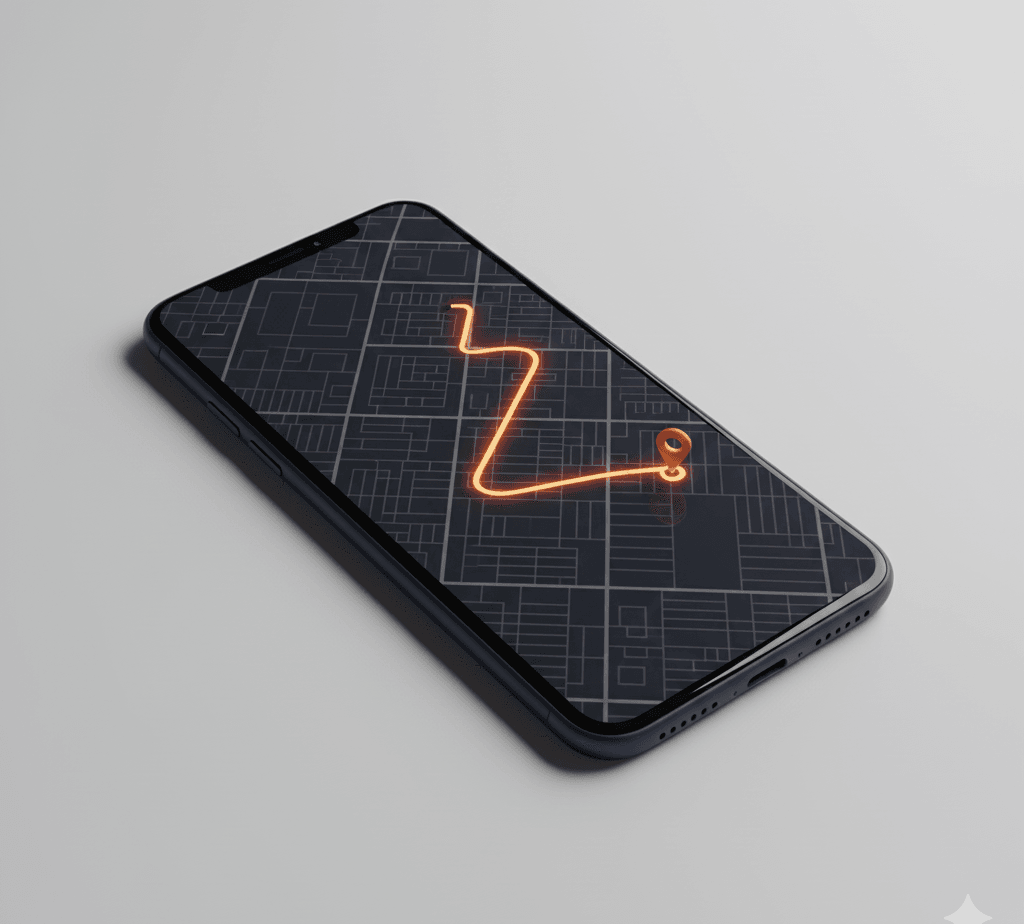
Route Recording
Automatic or manual recording of every trip. GPS in your smartphone, gap detection in records.
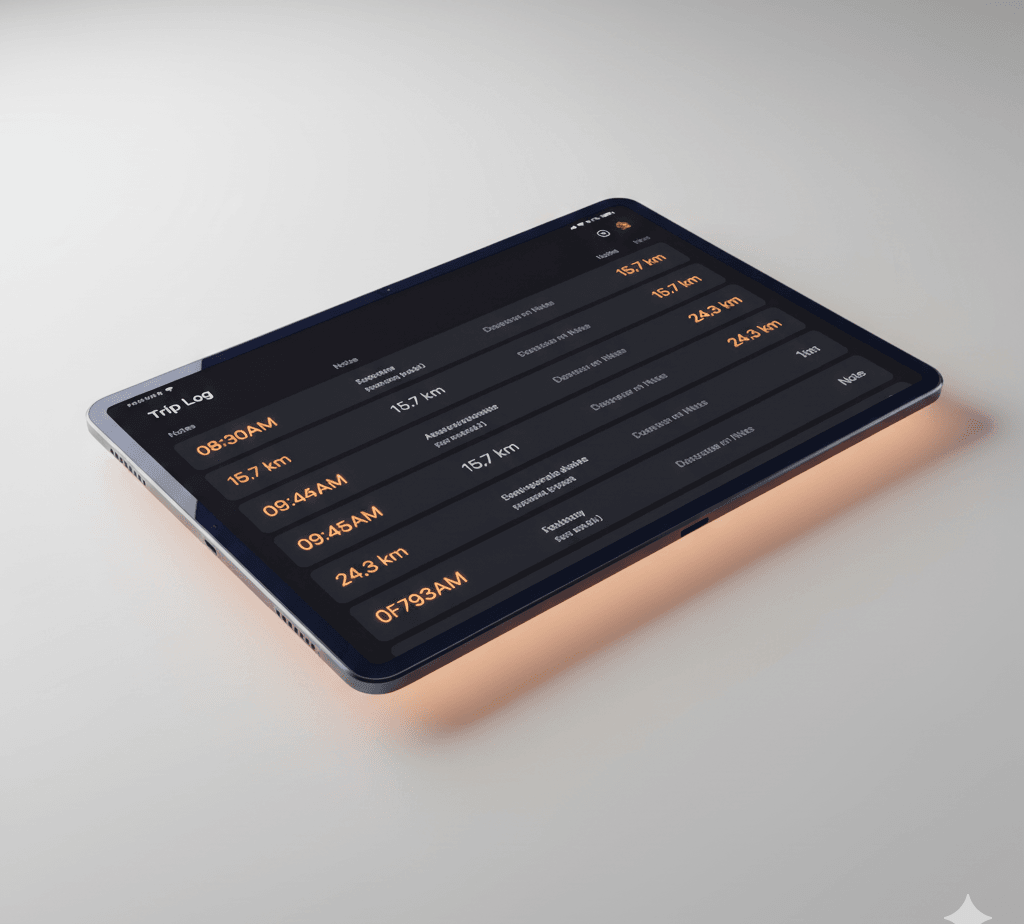
Mileage Reimbursement
One app, two scenarios: complete business trip records and expense reimbursement for private vehicles.
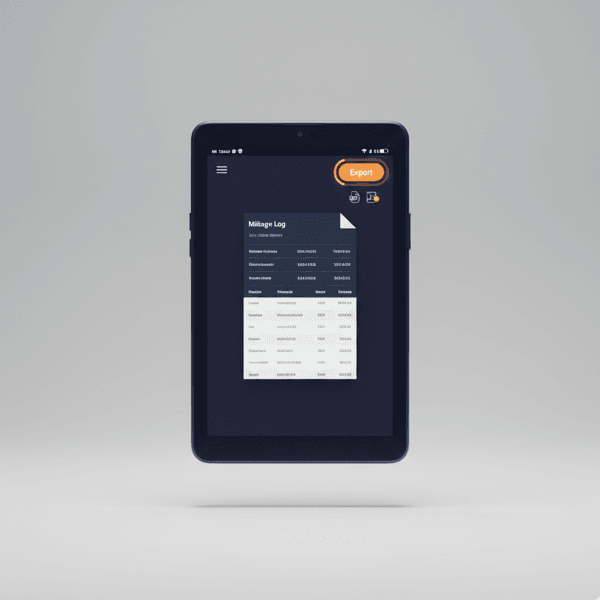
Reports & Export
Fleet compliance and automatic reimbursement calculations for private vehicles.
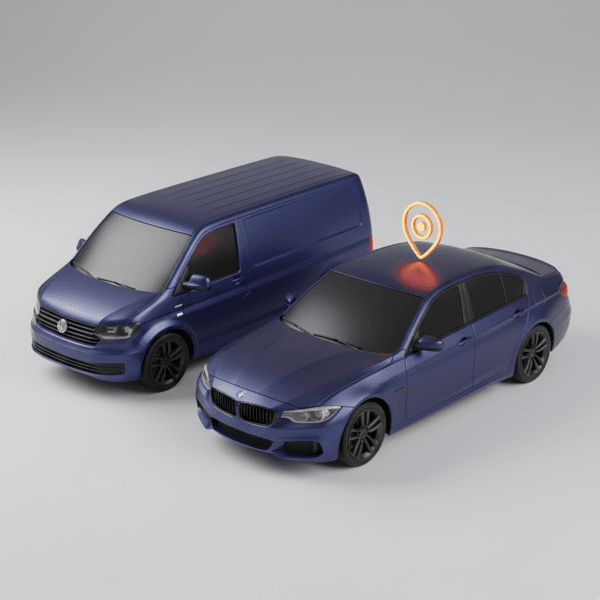
Fleet Management
Complete company fleet records. Compliance with VAT requirements for business vehicles.
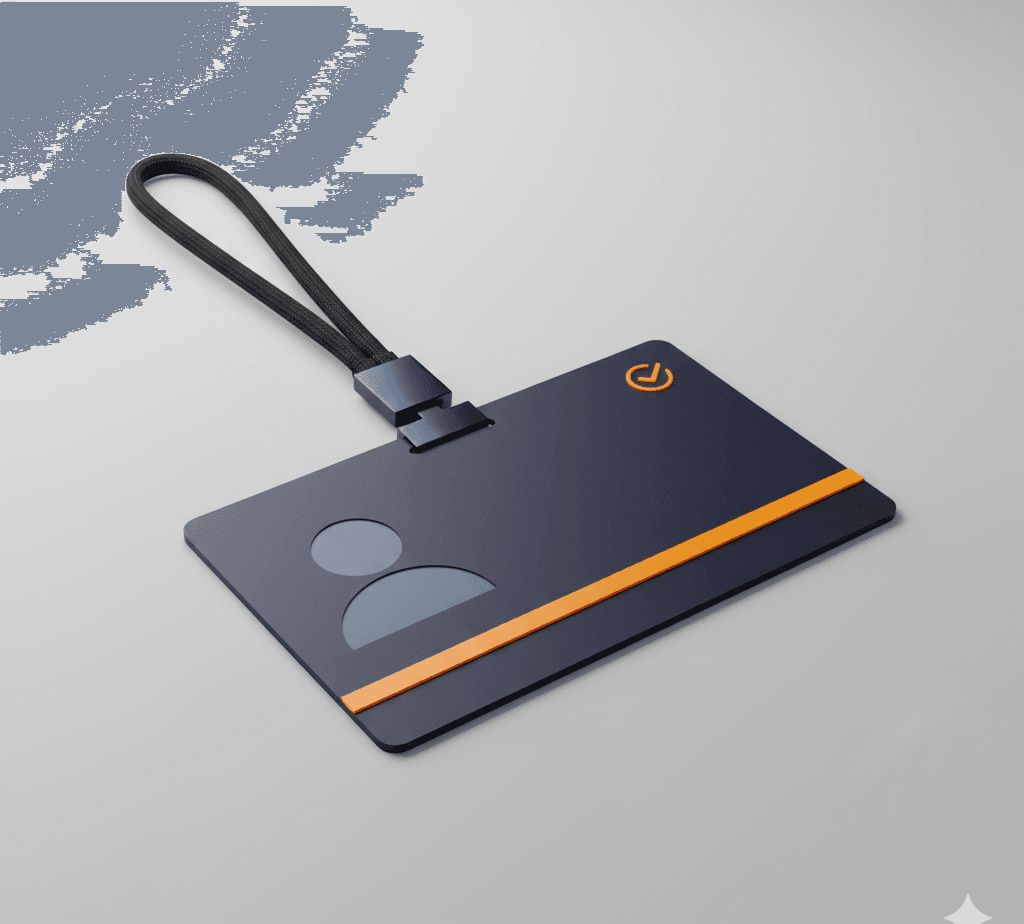
Driver Management
Vehicle assignment, request approval, full control over your team.
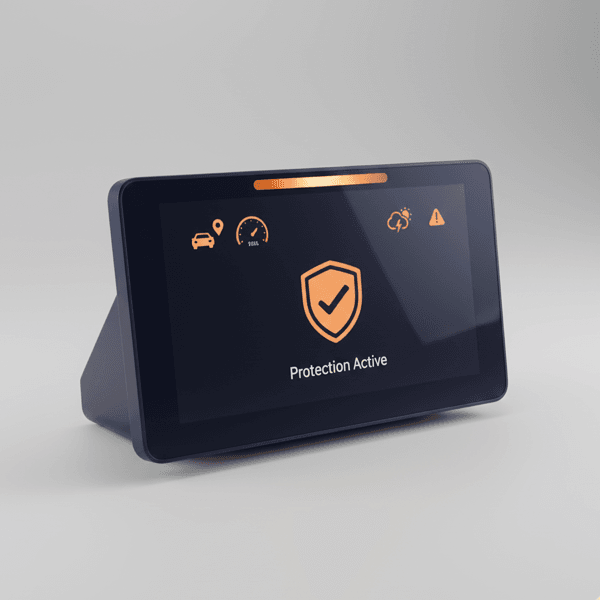
Safety
Speed monitoring, weather warnings, safety alerts before departure.
Gap detection in records
The system automatically highlights missing trips, helping keep documentation complete.
100% VAT Deduction
requires documentation
Without detailed vehicle mileage records, the tax office only allows 50% VAT deduction. It's a legal requirement — not an option.
How the app helps with record-keeping:
- Every trip recorded automatically (date, route, distance)
- Odometer updated without manual entry
- PDF/Excel export compliant with audit requirements
- Trips that weren't yours are rejected with a reason and never reach the log
Built for you
Regardless of your role in the company, Autokilometry saves your time.
 Business owner
No more hours spent on paper records. Now I have time for business growth.
- Trip documentation for VAT deduction
- All vehicles in one panel
- Ready reports for accountant
 Accountant
Finally, I have complete data for settlements. Export to Excel with one click.
- Records prepared in compliance with requirements
- VAT compliance
- Rejected trips kept with their reason, out of the reports
 Driver
One tap and I'm driving. GPS records the route - I focus on the road.
- Automatic GPS recording
- Start and end trips with one tap or automatically
- Passenger trips rejected from the notification
Your phone is enough
No GPS trackers, no OBD devices, no installation. Just download the app and start recording.
Traditional solutions
- Dedicated GPS device (200–500 zł)
- Professional installation required
- Monthly subscription fees
- Limited to one vehicle
- Complex setup and maintenance
Autokilometry
- Uses your smartphone GPS
- Download and start in minutes
- Works on any vehicle
- Automatic trip detection, with rejection of trips that weren't yours
- Cloud-synced across devices
Automatic logging
You drive - the app does the rest. No more manual route entry in a notebook.
Frequently asked questions
Reject the trip. Press and hold the trip notification, tap Reject trip on the trip screen, or do it later in History. The trip stays in History with its reason but doesn't count towards reports, claims or the odometer. When you're driving, leave the phone alone: the app records on its own.
You send a deletion request with a reason, and your administrator decides.
When a trip is approved, the app suggests the start reading, and administrators see a note when a vehicle's odometer doesn't match its trips.
An iPhone with iOS 18.6 or later. The web panel works in any browser.
Ready to take control?
Start saving time today. Create an account and test for 7 days free.