
Record trips your way
GPS with manual start, automatic Auto-Trip, or quick manual entry - choose the mode that fits the situation.
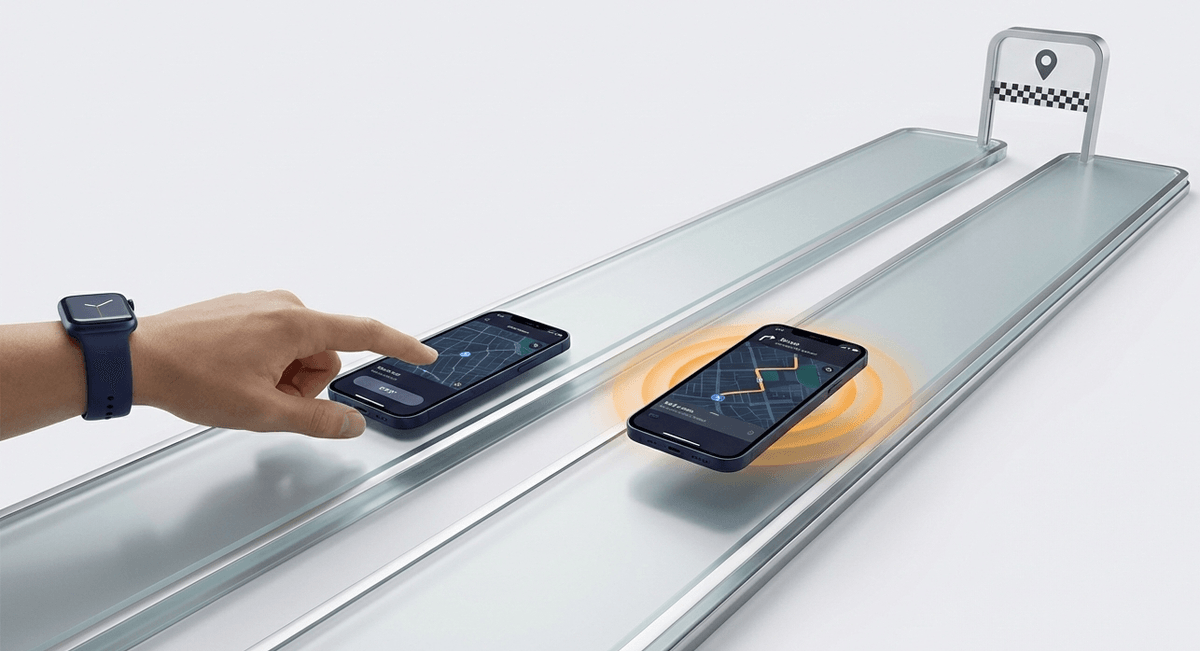
GPS manual
Classic Start / Stop with GPS recording. Full control over your route.
Auto-Trip
Zero touching. Get in, drive, get out - every kilometre saved.
Manual entry
No GPS. Enter address, distance and purpose - ideal when you don't have your phone.
Your choice
Switch modes anytime, and reject automatic trips that weren't yours.
From start to report in 4 steps
You drive - the app does the rest. Zero manual route entry.
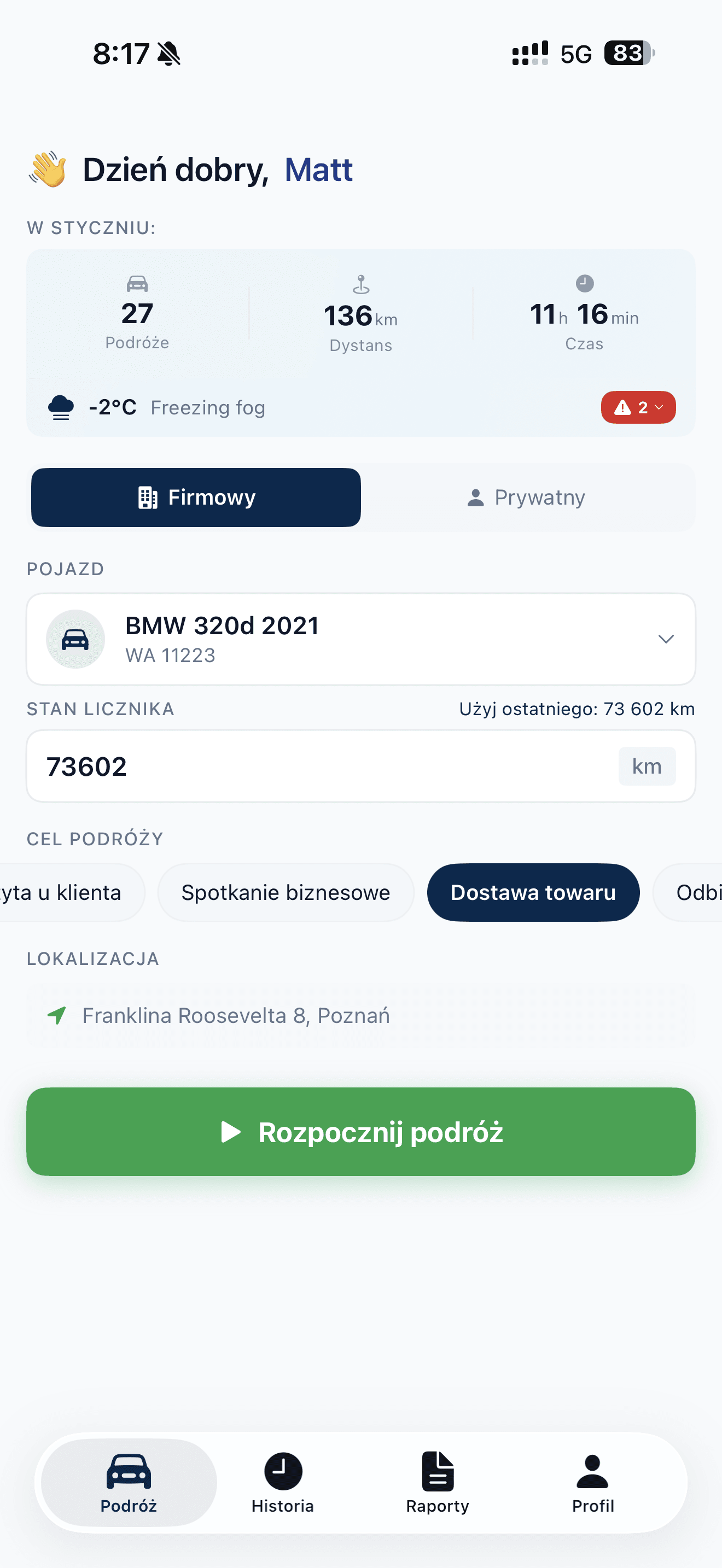
The app detects when you get in your car and automatically starts tracking. You can also start manually with one tap.
Three ways - one goal
GPS manual, Auto-Trip or manual entry. Each driver picks the mode that fits the situation.
GPS manual - full control
- Press Start before driving
- Select vehicle and trip purpose
- GPS works in background, saving battery
- Press Stop when done
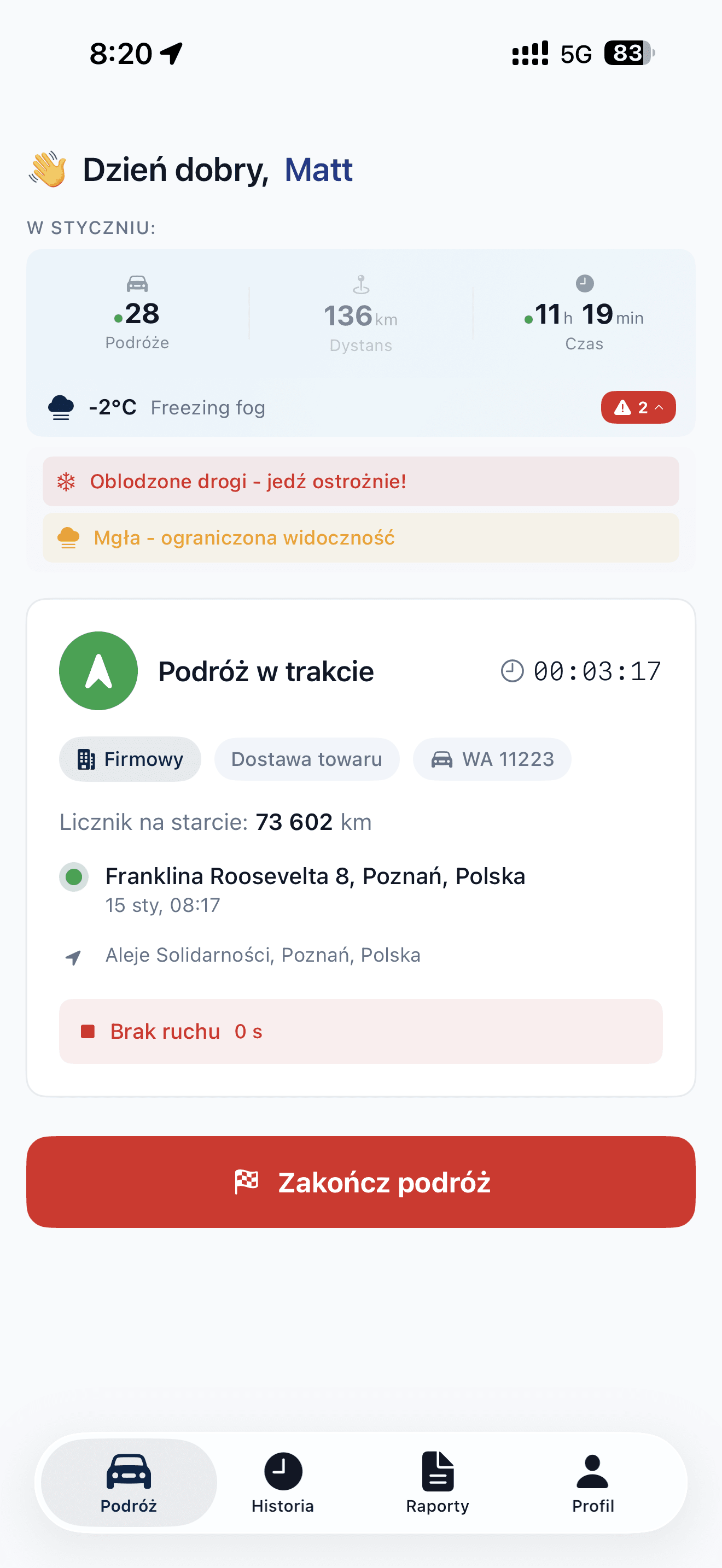
Auto-Trip: hands-free
- Get in the car and drive - that's enough
- Motion sensors detect driving
- Recording starts after 2-5 minutes of driving
- Stop driving - trip ends automatically
- Passenger, taxi or train? Reject the trip from the notification or in History
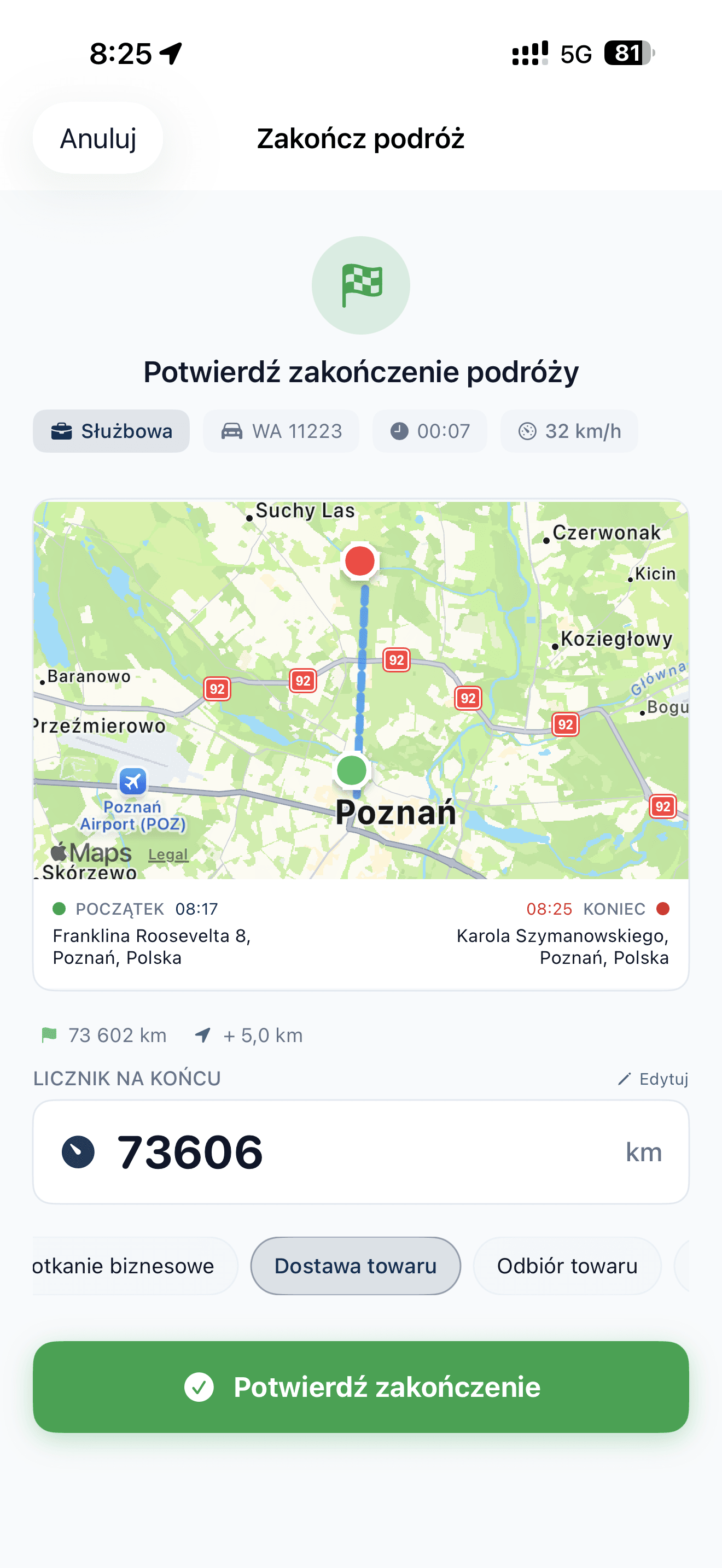
Manual entry - no GPS
- Enter start and end address
- Specify distance and trip purpose
- Set date and time - even retroactively
- Ideal when you didn't have your phone
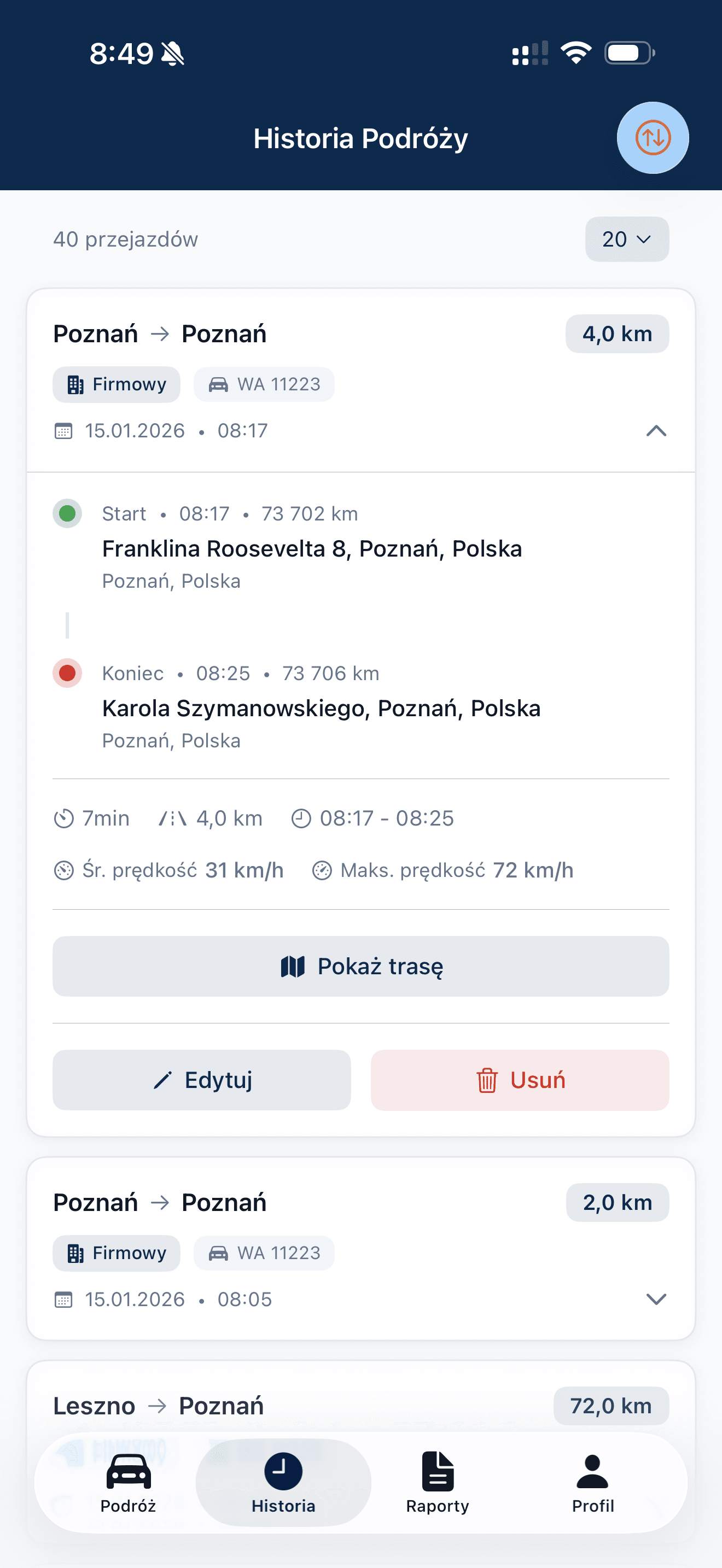
All trips in one place
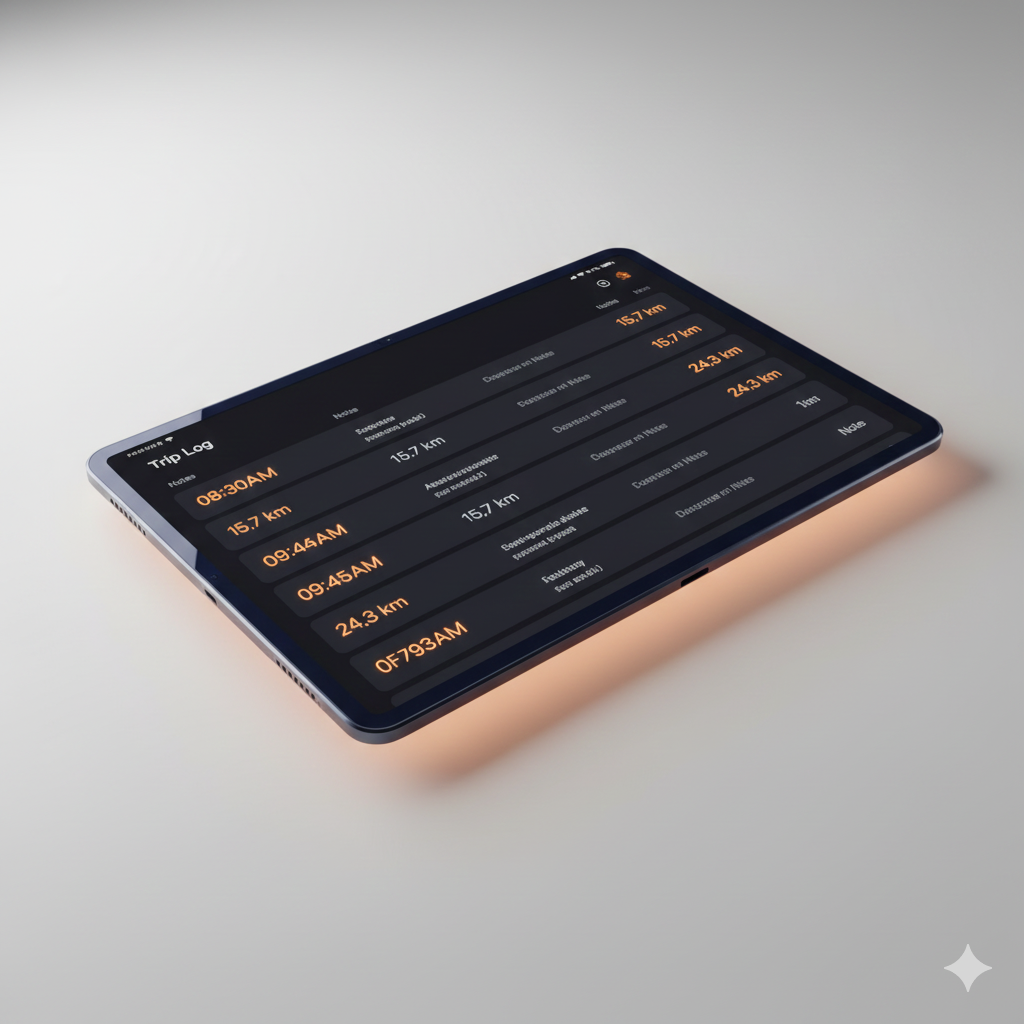
- History of all recorded trips
- Filter by vehicle, date, type
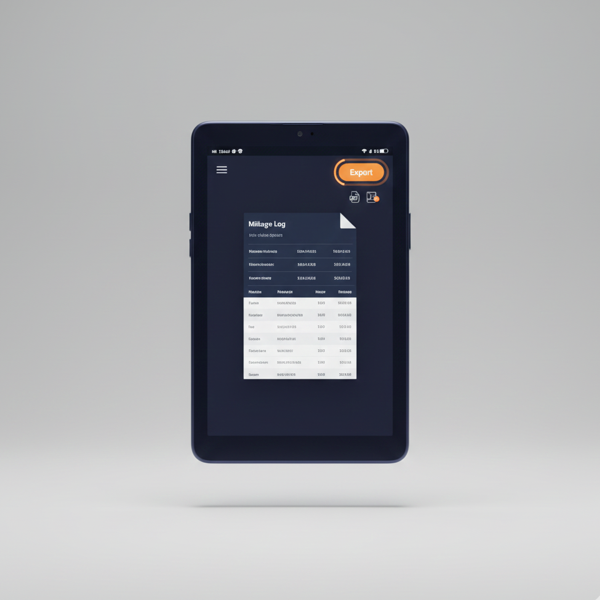
- Export to PDF or Excel
- Complete mileage records
Smart motion detection
When you choose automatic mode, the app recognises real driving scenarios.
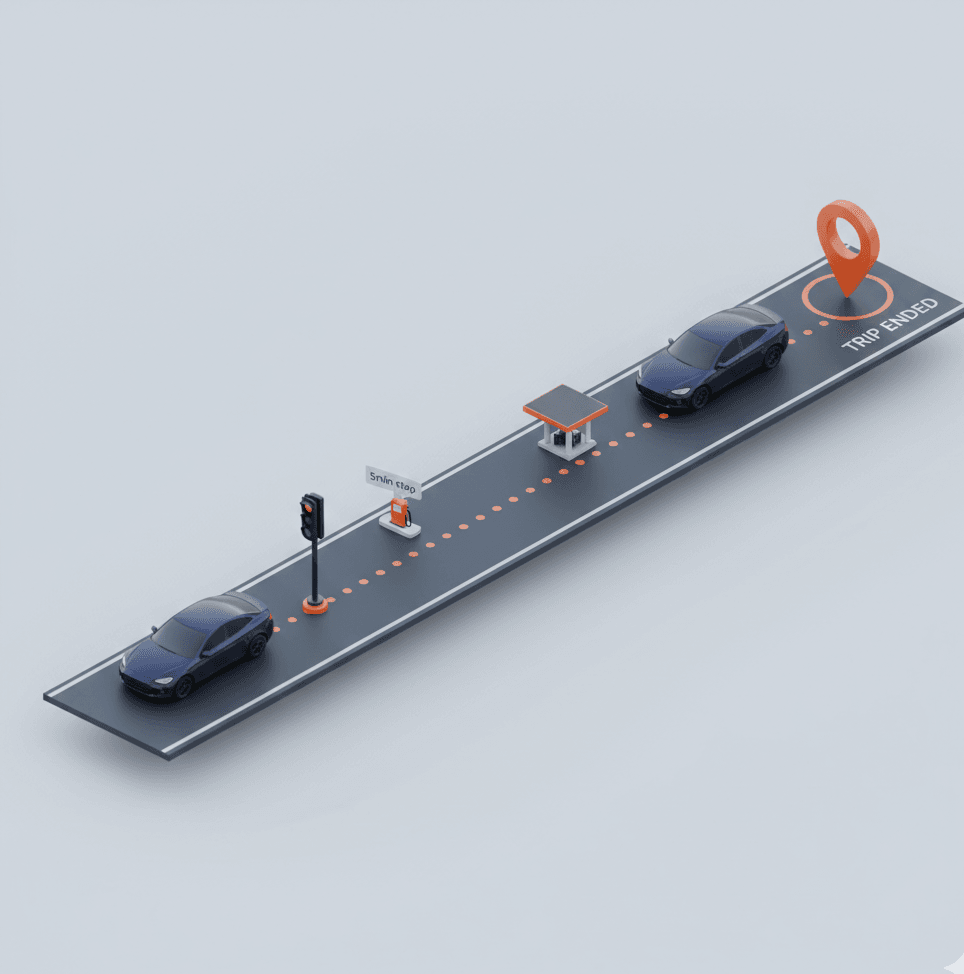
Traffic
"Stuck in traffic for 20 minutes"
Slow movement = still driving. Trip doesn't end.
Traffic lights
"Red light every 200m"
Brief stops are ignored.
Refueling
"Quick gas station stop"
5-minute stop doesn't end trip.
Parking
"Looking for parking spot"
Waits until you actually exit vehicle.
Fewer false endings
Thanks to hybrid detection (GPS + motion sensors), Auto-Trip knows when you're really ending a trip vs just stopping briefly.
Not driving? Reject the trip
Travelled as a passenger, by public transport or in another vehicle? Hold the Trip Detected notification and choose a reason, even on a locked phone, or do it later in History. The trip stays in History marked as rejected and doesn't count towards reports, claims or the odometer.
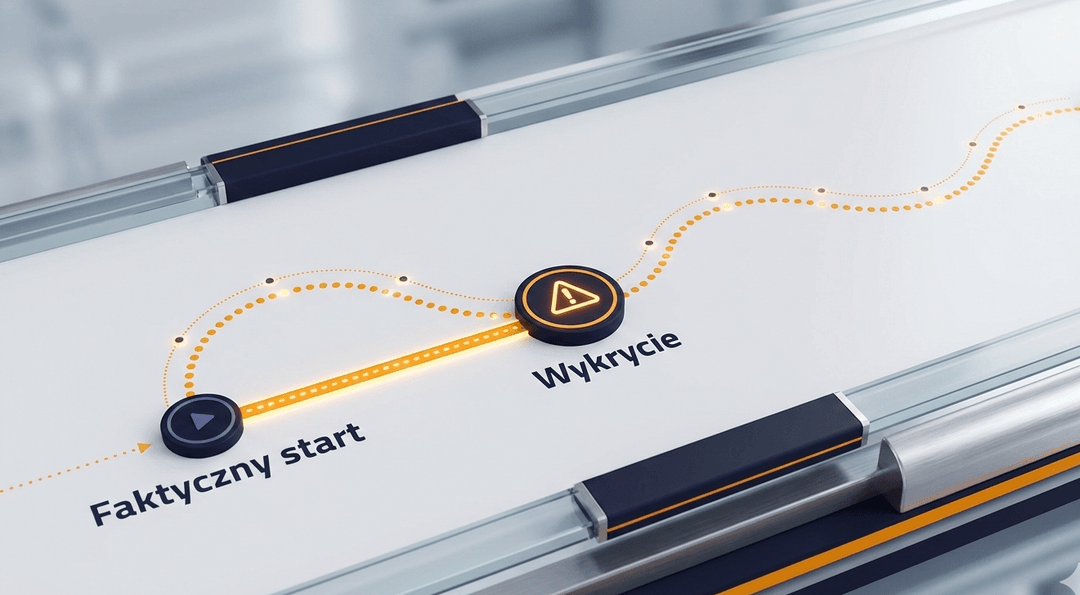
Recording from the moment you move
Most apps start recording when you tap a notification. By then you've already lost metres.
- Auto-Trip buffers data from first movement
- Trip start = driving start, not detection
- No kilometre is missed

Always connected to your trip
- iPhone - Lock Screen, Dynamic Island, Live Activity
- CarPlay - Alerts without interrupting navigation
- Apple Watch - Quick actions on wrist
- Not driving? Hold the notification to reject the trip
Tailor to your organisation
Admin
Global Auto-Trip toggle
How quickly start/stop
Approve trips with a suggested odometer reading, reject users' automatic trips that don't belong and decide on delete requests.
| Level | Start | Stop |
|---|---|---|
| Quick | 1 min | 30 sec |
| NormalRecommended | 2 min | 1 min |
| Relaxed | 4 min | 2 min |
Driver
E.g. Monday - Friday
E.g. 07:00 - 18:00
Disable Auto-Trip for yourself
Reject an automatic trip that wasn't yours, with a reason.
Your data is safe
Only during work hours
No recording outside the working hours you set.
Consent required
GDPR-compliant opt-in.
Local data
Buffered on device, synced when online.
Business only
Admin sees only organisation trips.
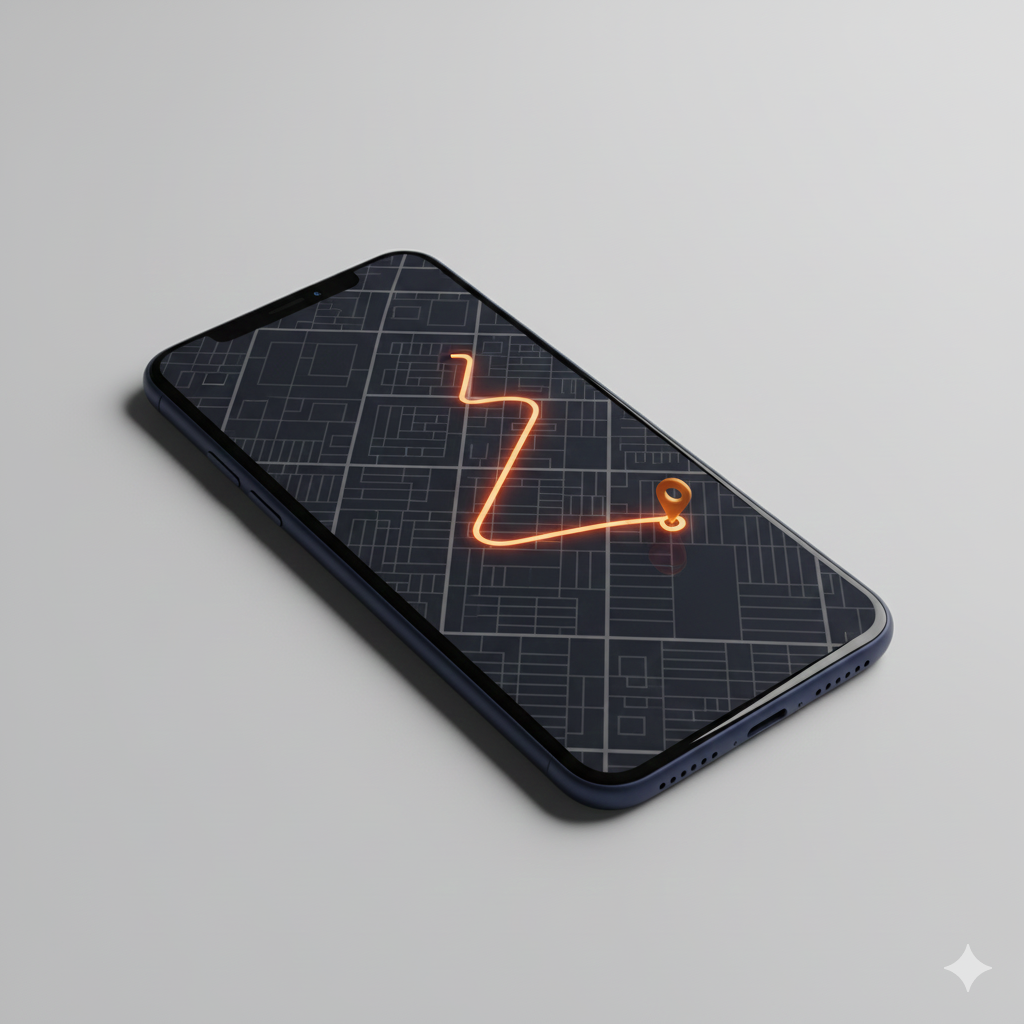
Ready for simpler mileage tracking?
GPS manual, Auto-Trip or manual entry. Every business trip recorded accurately and completely.