
Team under control, without micromanagement
Roles, permissions, and built-in privacy. Everyone sees only what they need - you see everything. Add your team in 5 minutes.
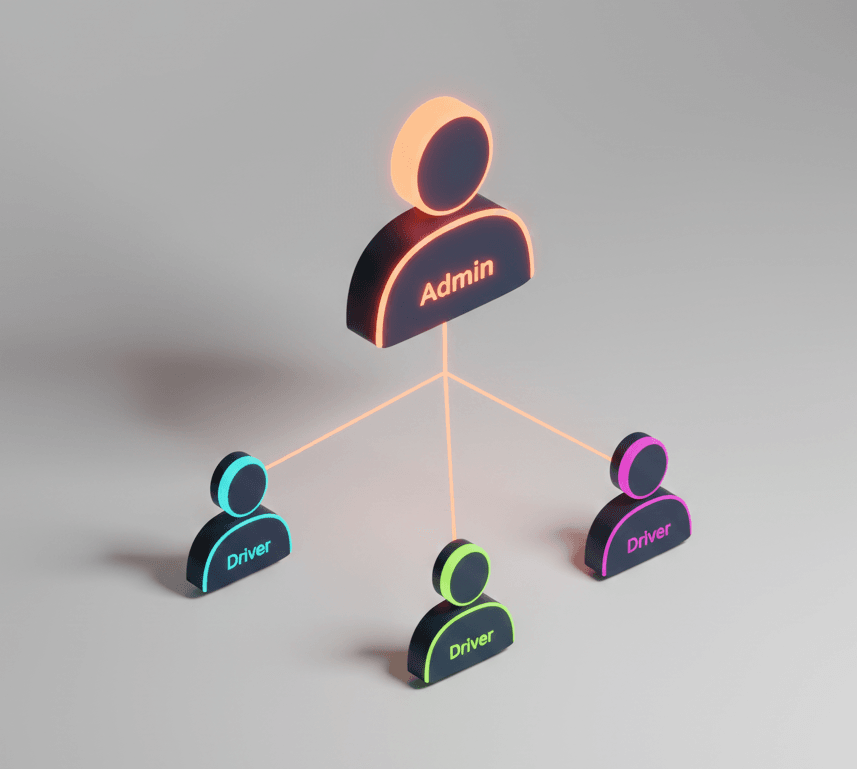
New employee? Three steps.
Add driver
Name, email, role
Invitation email
Sent automatically
Driver activates
Password + GDPR consent
Clear rules, zero chaos
Driver
Records trips, sees only their data, can add 1 private vehicle.
- Record own trips
- Add 1 private vehicle
- Request reimbursement
- Reject trips that weren't theirs
Administrator
Manages team and fleet, sees everything, approves requests and can reject users' automatic trips before approval.
- Invite drivers
- Manage vehicles
- Approve requests
- Generate reports
Administrator + Driver
Manages and drives - for small business owners.
- Everything an administrator can do
- Plus: record trips
Travelled as a passenger? Reject the trip
When automatic recording catches a trip that wasn't yours, reject it in seconds. It won't count towards reports, expense claims or the odometer.
From the notification
Not driving? Press and hold Trip Detected, even on a locked phone or without signal.
From the trip screen
As a passenger, tap Reject trip and recording stops straight away.
In History
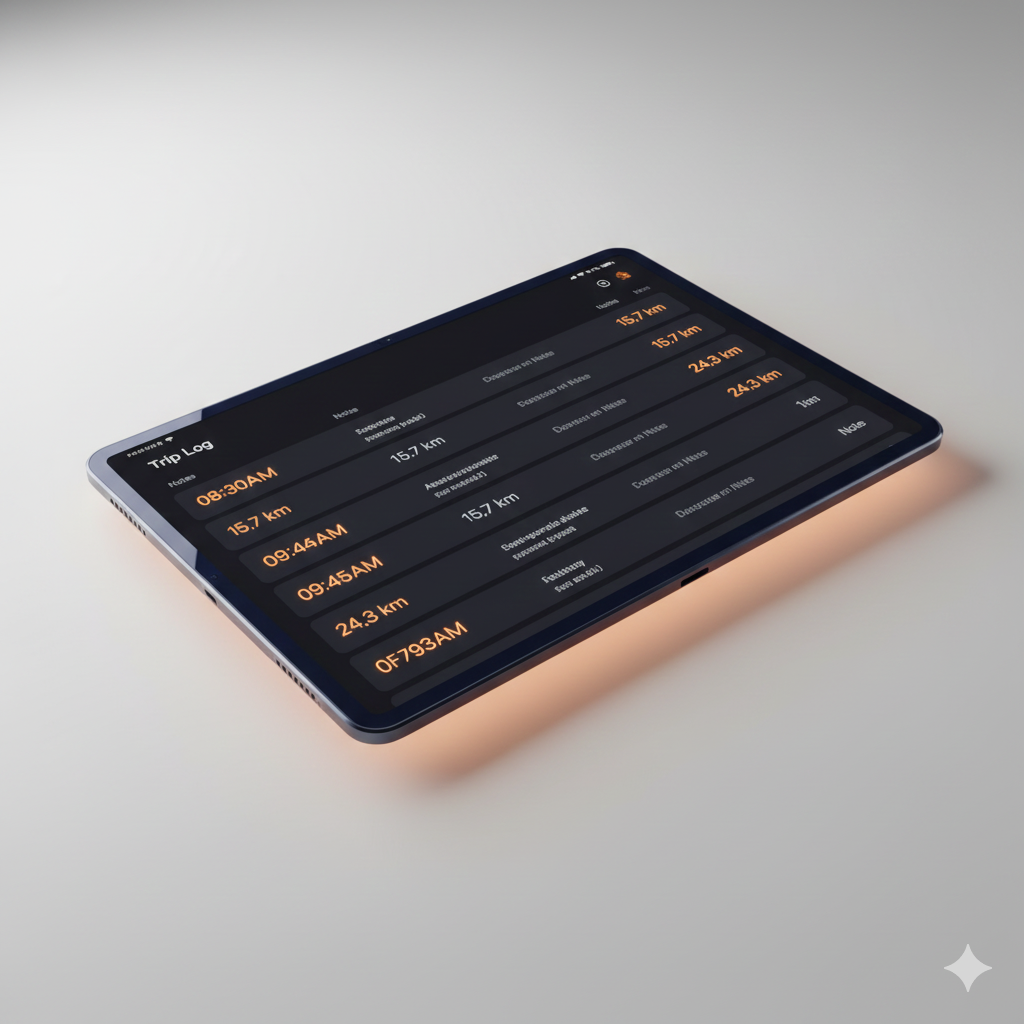
After the trip, pick a reason and add a note if you like. The trip stays on record as rejected.
Never use the phone while driving. Admins can reject users' automatic trips that aren't approved yet, in the web panel. Rejecting from the notification or the trip screen needs the iOS app, version 1.3 or later.
Everyone sees only their own
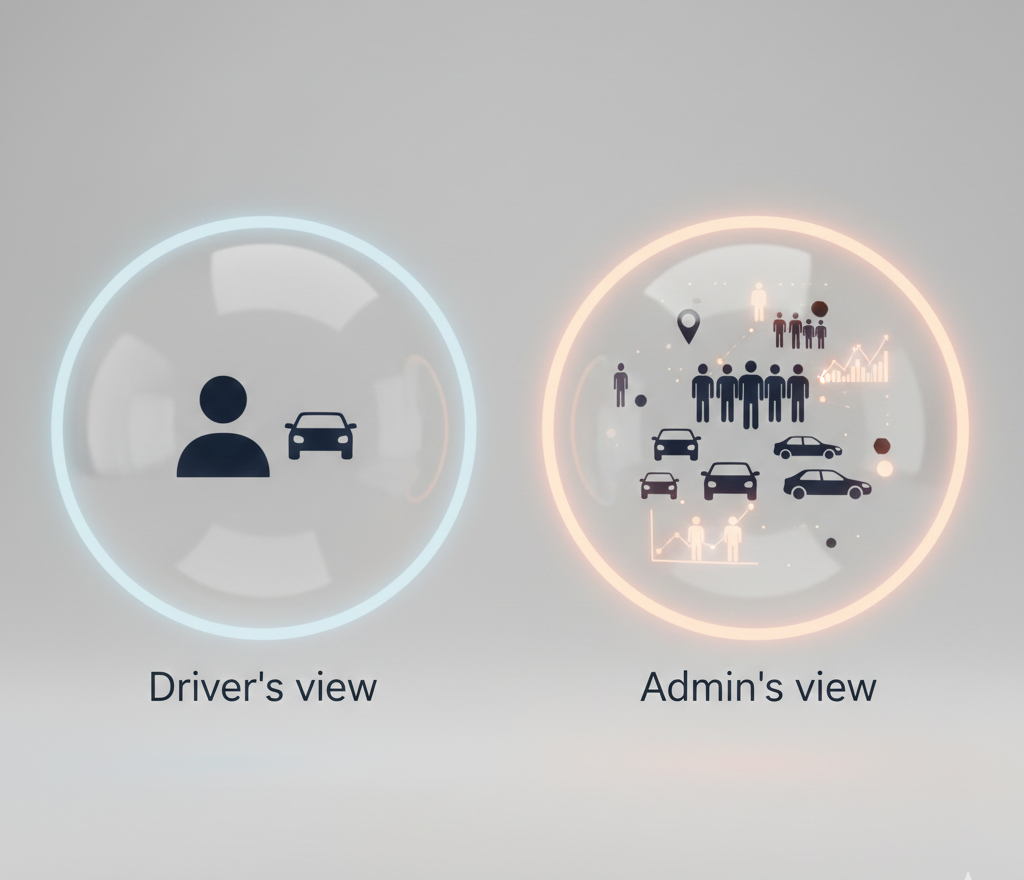
Built-in privacy
Driver sees:
- Own trips
- Own reports
- Own vehicle
Cannot see:
- Colleagues' trips
- Colleagues' private vehicles
- Company settings

Instant control
Employee leaving? Deactivate with one click. Access ends immediately, historical data stays.
- Instant deactivation
- Historical data preserved
- Full audit trail
Organized request workflow
Drivers submit requests independently, and you approve with one click.
Driver submits request
Trip edit or deletion, private vehicle, or reimbursement
Admin receives notification
All requests in one place
One-click approval
History saved for audit purposes
Private car at work?

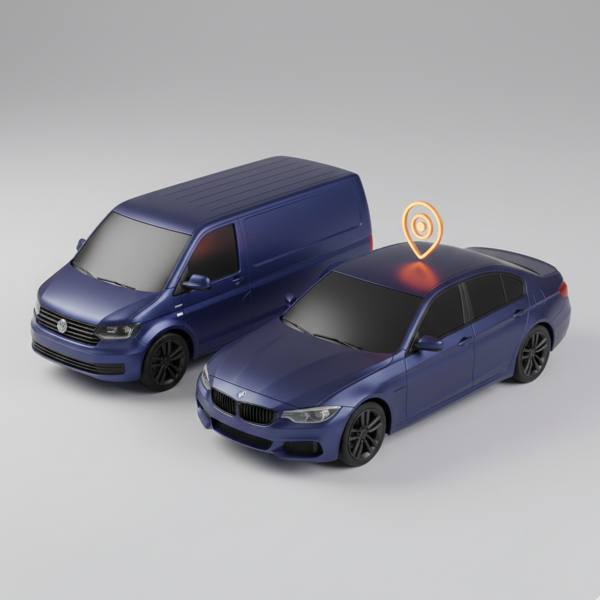
Separate plan for private vehicles
Add employee private vehicles alongside your company fleet. Each private vehicle is a separate line item with automatic mileage calculation.
- Automatic mileage calculation
- Current statutory rates
- Reimbursement report export
- Combine with company vehicles in one dashboard
Driver can also set a default vehicle - faster trip start.
Drivers in per-vehicle model
| Product | Drivers |
|---|---|
| Company vehicle | 1 driver included |
| Private vehicle | 1 driver included (owner) |
| Extra driver | 19 zł/mo |
Flexible driver model
Each vehicle includes 1 driver. Need more? Add extra drivers at any time.
Frequently asked questions
They reject it from the notification, the trip screen or History. It stays on record as rejected and doesn't count towards reports, expense claims or the odometer.
Not directly. They send a delete request with a reason and the admin decides.
Yes, a user's automatic trip that isn't approved yet and isn't on a submitted expense claim. Admins do this in the web panel.
Invite drivers, assign vehicles, start recording trips
7 days free.