
GPS & Route Tracking
Automatic GPS recording of business trips
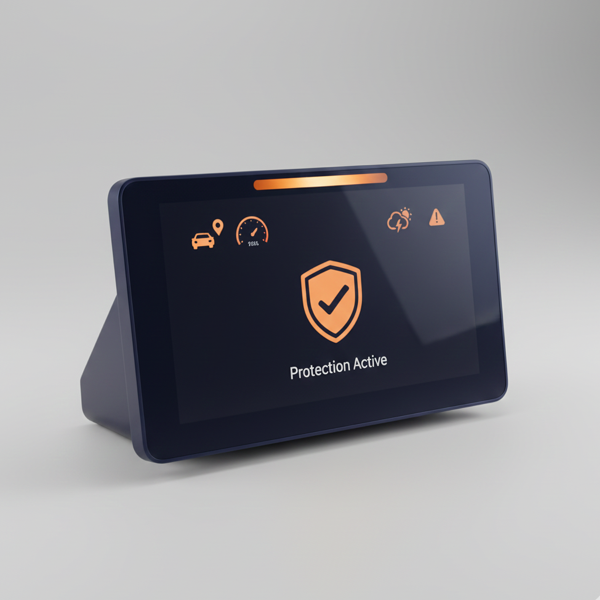
Complete trip records without effort. Automatic GPS recording and gap hints help keep your documentation organised and ready for VAT-26 verification.
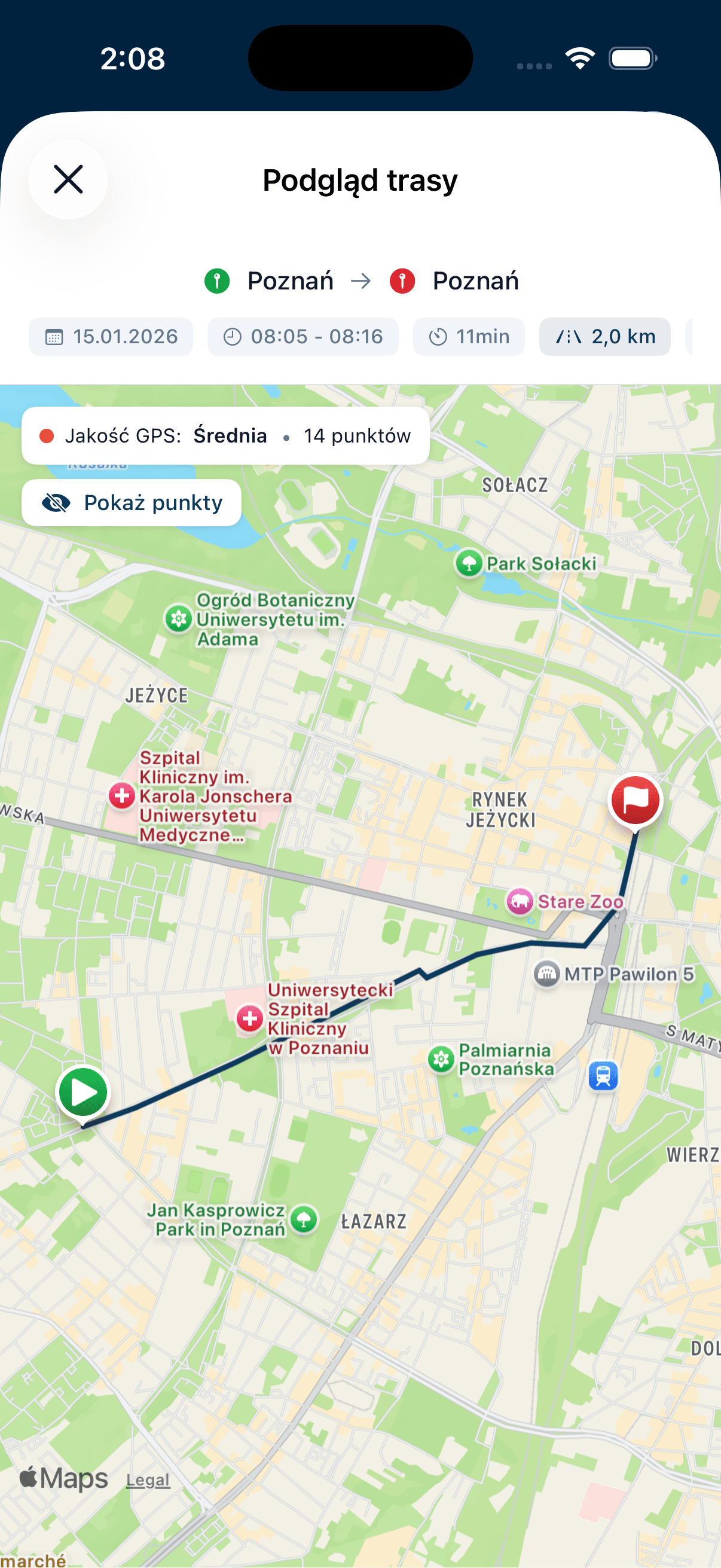
No extra hardware
Your phone's built-in GPS is all you need. No trackers, dongles, or installation required.
Three recording modes
Manual GPS, automatic motion sensor, or manual entry without GPS. Switch anytime.
Precise distance
Accurate kilometre calculation based on actual road route, not straight line.
Gap alerts
System highlights potential gaps in records as you work with your documentation.
GPS tracking features

Works even in your pocket
- Native iOS app tracks route in background
- No need to keep the app on screen
- Phone locked? Recording continues. Not driving? Reject the trip from the lock screen
- Switch between apps - no problem
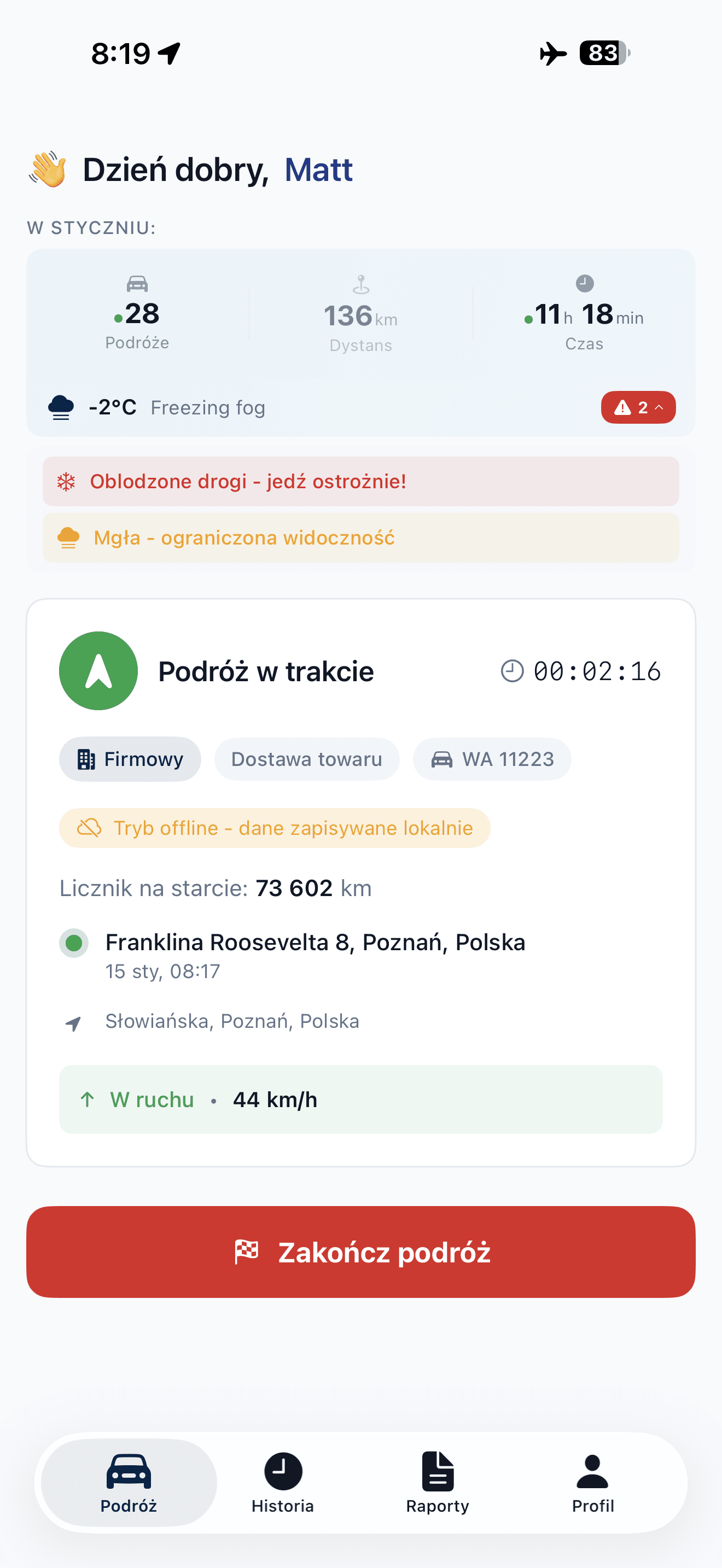
Works without internet
- Route is recorded even in tunnels and garages
- No signal? Data saves locally
- Automatic sync when connected to internet
- No data is lost, and rejecting a trip works offline too
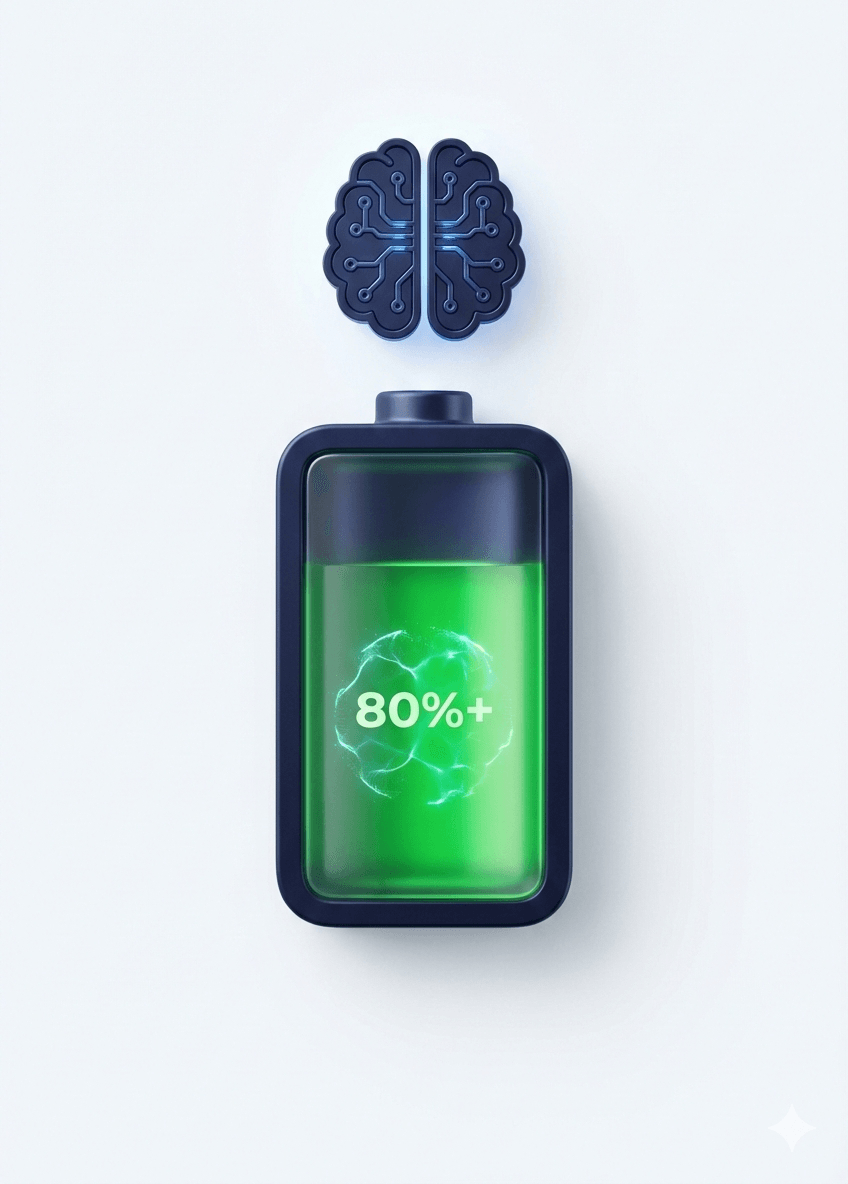
Smart battery saving
- GPS frequency adjusts to driving speed
- Stuck in traffic? Fewer GPS samples
- Driving on highway? More precision
- Optimised for all-day routes
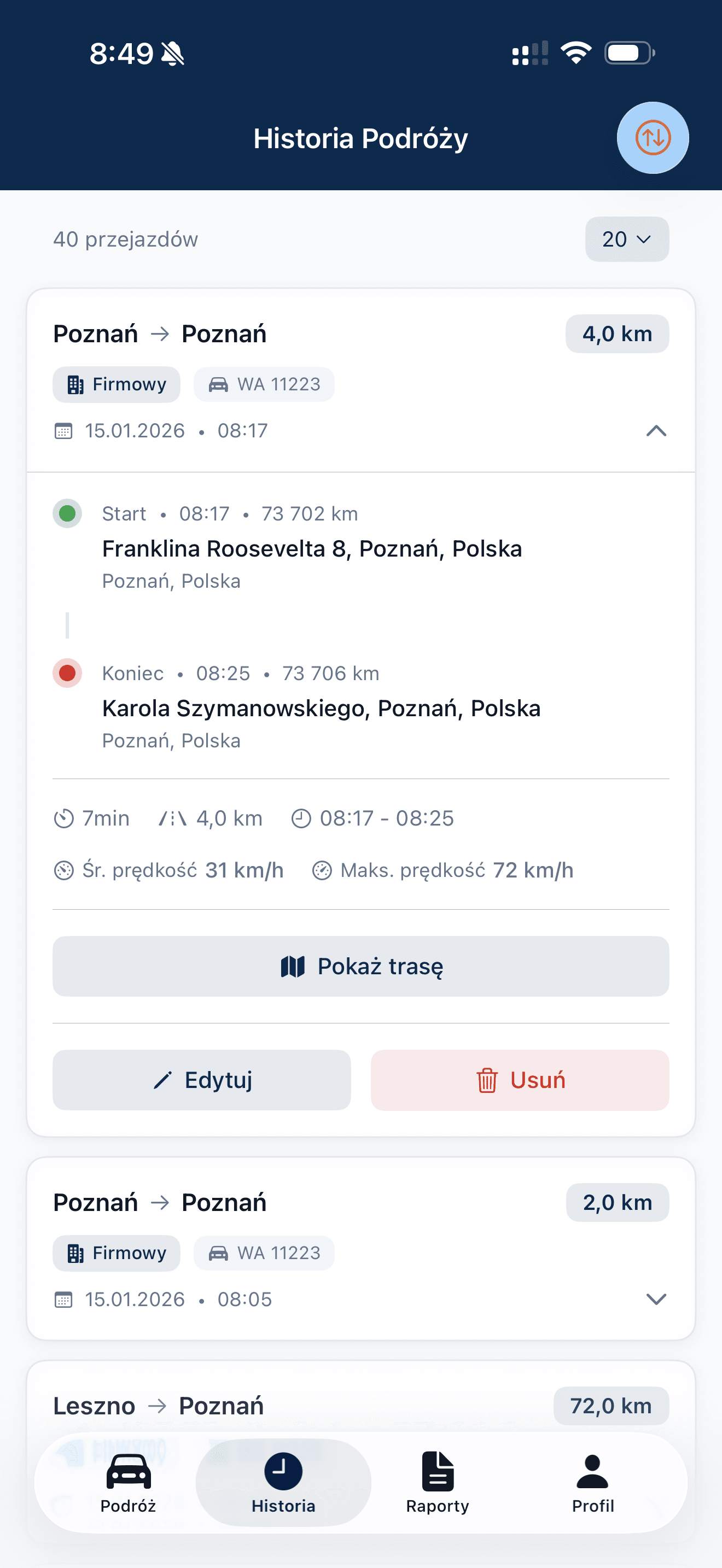
Full trip history
- All routes in one place
- Filter by date, vehicle, or driver
- Details of each trip: distance, time, destination
- Quick search
Automatic, with you in control
While you drive, the app records on its own and needs nothing from you. If a trip wasn't yours, reject it.
Reject from the notification
Travelled as a passenger, by public transport or in another vehicle? Press and hold the Trip Detected notification and choose a reason. Works on a locked phone and without signal.
Or later, in History
No need to do it on the spot. Open the trip in History after you arrive, pick a reason and add a note if you like.
Nothing disappears without a trace
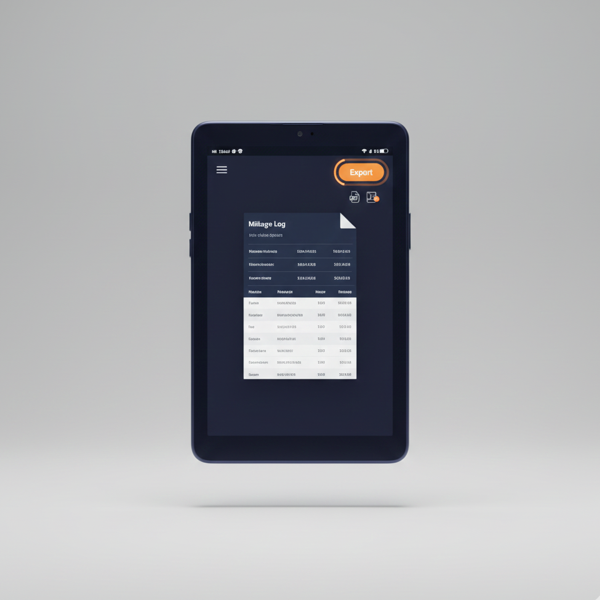
A rejected trip stays in History with its reason, left out of reports, exports and expense claims.
Only during working hours
Auto-Trip detects trips only within the working hours you set.
The administrator has the final say
Admins can reject users' automatic trips that aren't approved yet, approve trips with a suggested odometer reading and decide on delete requests.
Automatic gap detection in records
Better visibility of missing data in trip records.
Incomplete records are one of the more common challenges in VAT accounting. Autokilometry analyses trip entries and highlights potential gaps to help you fill them in and maintain consistent documentation.
Odometer gaps
System compares odometer readings between consecutive trips. When it detects unrecorded kilometres - you see it immediately in the admin panel.
Dashboard alert
The admin panel shows detected gaps, total missing distance and vehicles whose odometer doesn't match their trips.
Resolution options
Each gap can be resolved in three ways: merge with previous trip, merge with next trip, or create a new trip with pre-filled data.
Distance validation
System compares GPS distance with odometer difference, highlighting potential discrepancies. Helps maintain record consistency.
More control over documentation
Autokilometry helps keep your vehicle mileage records organised and makes it easier to prepare documentation for VAT-26 verification.
Advanced features for larger fleets
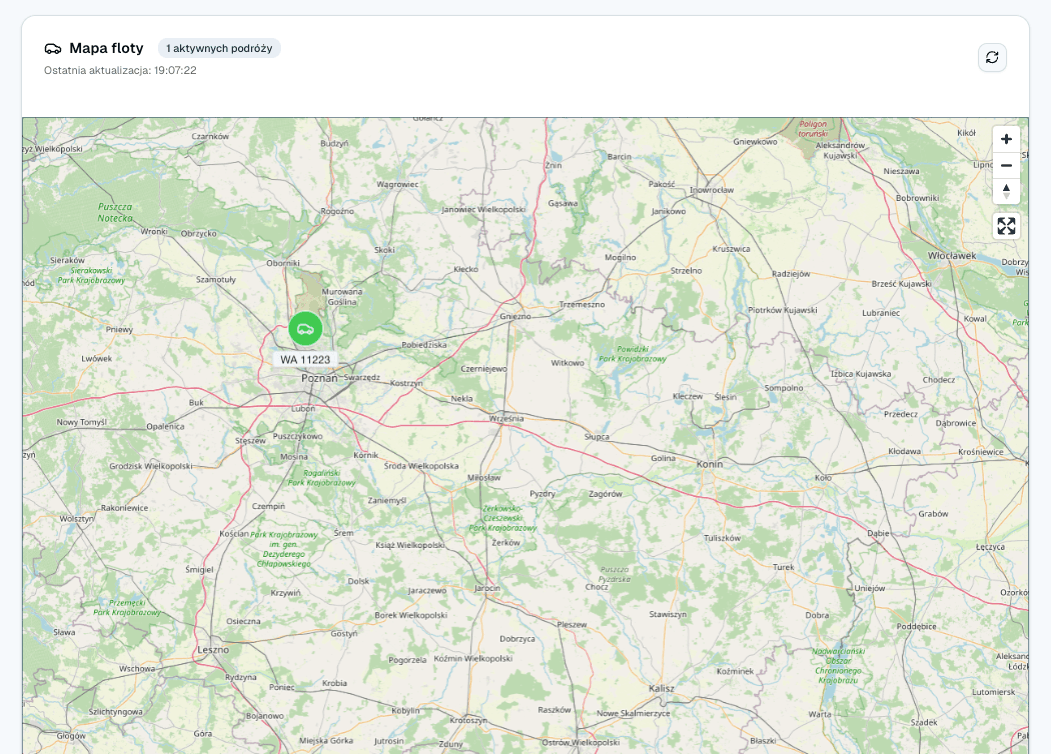
Real-time fleet mapComing soon as an add-on
See where all drivers are right now: activity status, current location and time on the road.
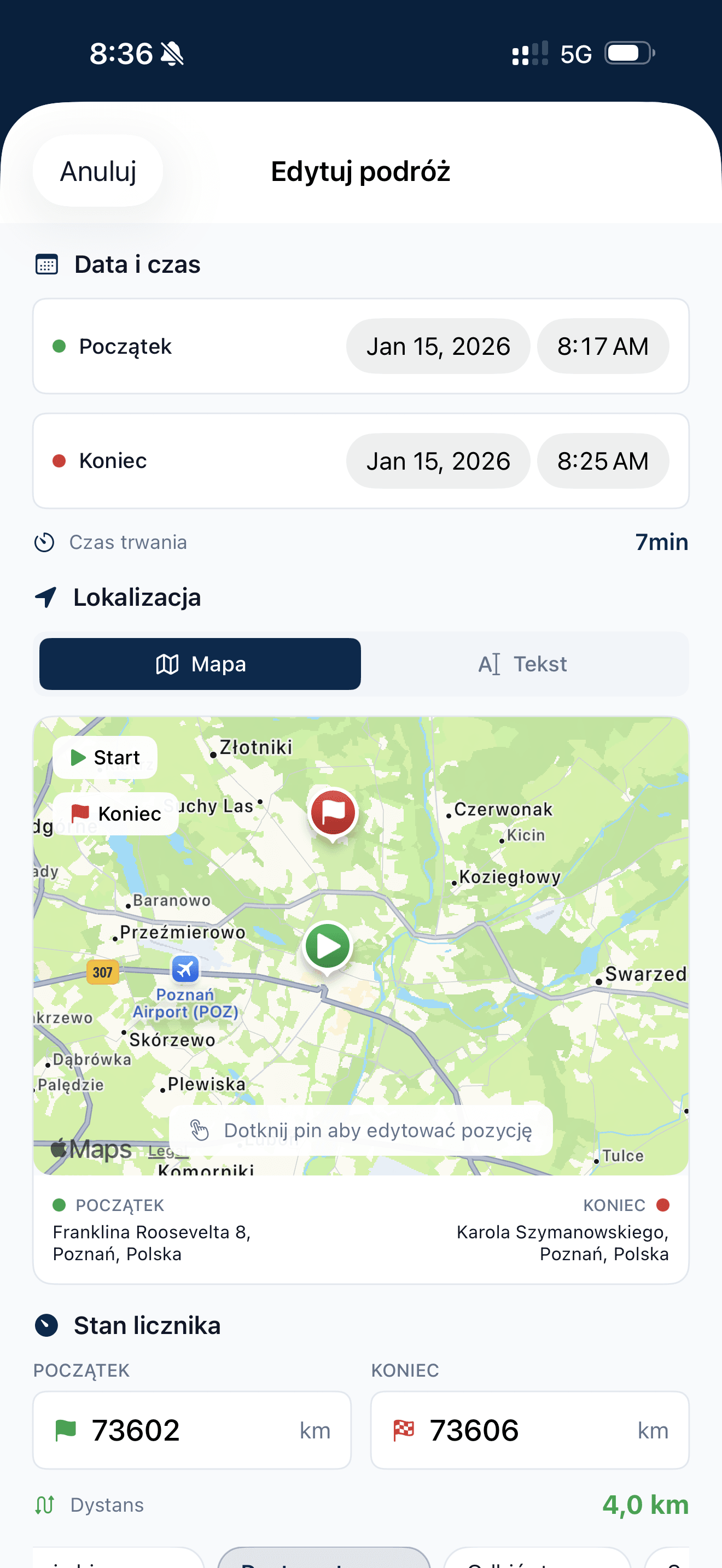
Map location editing
Correct GPS drift by dragging the pin. Address updates automatically. Useful when GPS misread position.
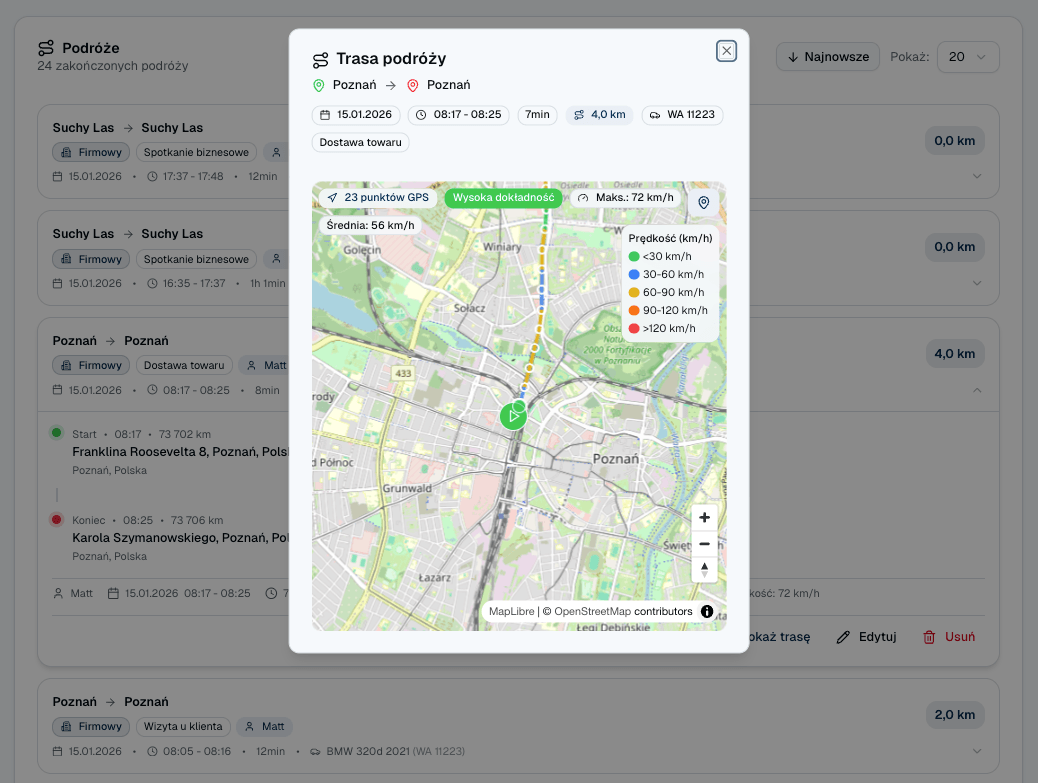
Route visualisation with speed
View the route coloured by speed. Green = slow, red = fast. Ideal for reviewing driving style.
GPS features included
| Feature | Included |
|---|---|
| GPS route recording | |
| Motion sensor (auto start/stop) | |
| Offline mode | |
| Gap detection | |
| GPS points every 60 seconds and every 250 m | |
| Route visualisation | |
| Map location editing | |
| Speed monitoring | |
| Live fleet map | Coming soon as an add-on |
Frequently asked questions
Reject the trip. From the notification you choose passenger, public transport or another vehicle. In the app or in History you can also choose Other and add a note.
No. It stays in History as rejected, with the reason. It doesn't count towards reports, PDF and Excel exports, expense claims or the odometer.
Yes. Press and hold the notification on the lock screen. The rejection syncs when you're back online.
No. Auto-Trip starts and ends the trip on its own, so keep your hands on the wheel. If a trip wasn't yours, reject it when you're not driving.
You send a delete request with a reason and the administrator decides.
No. It detects trips only within the working hours you set.
Start tracking routes today
7 days free. Complete records without effort.